
Relation > Content List
Overview
The ‘relation’ field types enable you to link different elements of your store in your content type : other contents, customers, categories, attribute, products and now to content lists.
Therefore you can easily add a content list into any content types.
When creating or editing a content type :
Add a new field → in Input type select : Relation - Content List
Fill the different fields and save your content type. You’ll be able to select which existing Content List you want to add directly from the ‘Content’ settings itself.
-
Screenshots
-

Layout Manager

Content settings

-
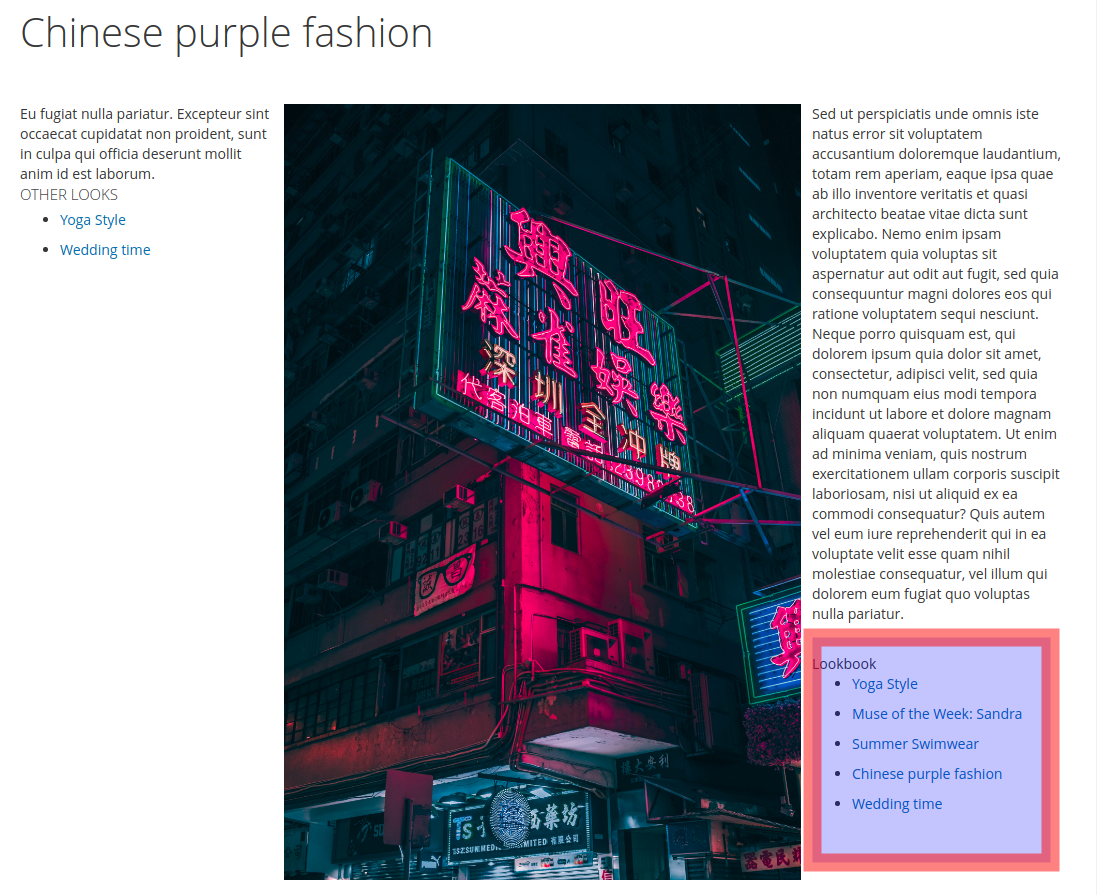
Front end

Settings
- Title : Label of the field
- Identifier : Unique ID, used for template redefinition and custom script. By default, the identifier is set by a concatenation of the Custom Type identifier (eg “all_fields”) and Title (eg. “area”).
- Input type : current definition of the field type. Note that after saving, you’ll be unable to change it.
- Required : define if the field is mandatory or not when user will complete the content form.
- Show in Grid : define if the field will be available to be showed in the content listing (under CMS → Your content type name). Take care because all value will be showed.
Note : A note which will be displayed under the field to help the webmaster, or give information about this field.